Simplist & fastest uninstall tool for android.
Simplist & fastest uninstall tool for android.
Easy & fastest uninstall tool for android.
#Feature
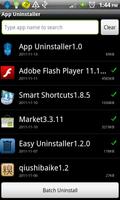
*Batch uninstall
*Fast uninstall by one click
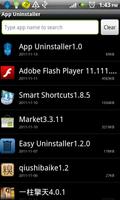
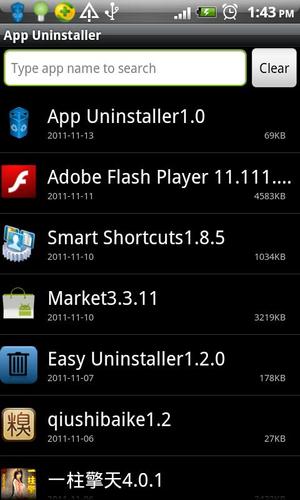
*Show app name,version,update time,size
*Search app by name
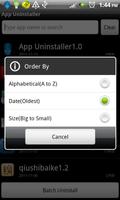
*Various sort mode
*App share
*Search in Google Market
*Support Android 2.3
***************************
#Description
Easy Uninstaller is a tool to uninstall apps for android phones. It is
quit easy to use, you can select multiple apps that you want to
uninstall, and click "Uninstall Selected Apps" button to uninstall
them. Easy Uninstaller also support app search & sort. Type the
keyword in the textbox in the top to search the app that you want to
uninstall. Click "Menu"->"Sort" to sort the apps in many sort types.
Long click on specified app, you will get a poped up context menu to
provide more options. You can view app details by click "Application
Details", you can share app by click "Share", and you can search the
app in the google market by click "Search in Google Market".
Easy Uninstaller cannot uninstall pre-installed apps in the system
#FAQ
Q: Why can't it list pre-load apps?
A: Pre-load apps cannot be uninstalled, only if your phone is rooted,
you can search "root uninstall" in google market.
Q: Why can't I close the app?
A: The notification bar icon is used for quick start of the app.If you
don't want the notification bar icon to be there after you exit the
app, you can just disable it in the setting, by click "Menu"-
>"Setting", uncheck the "Notification Bar Icon" checkbox.
#KW
app uninstall,easy uninstaller,uninstaller,App Uninstaller,app
remove,app remover,app delete,app manager,app list,batch remover,app
share,system panel,task manager
Read more